Top 10 Alternatives to Microsoft Outlook

Top 10 Alternatives to Microsoft Outlook: 10 items ranked by popular vote. Browse more in Technology.
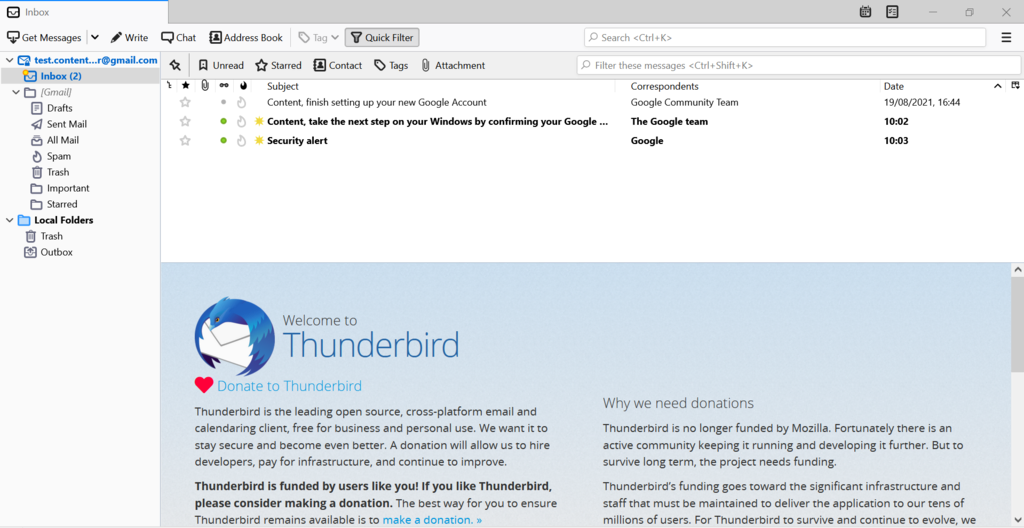
Thunderbird - The Open-Source Champion
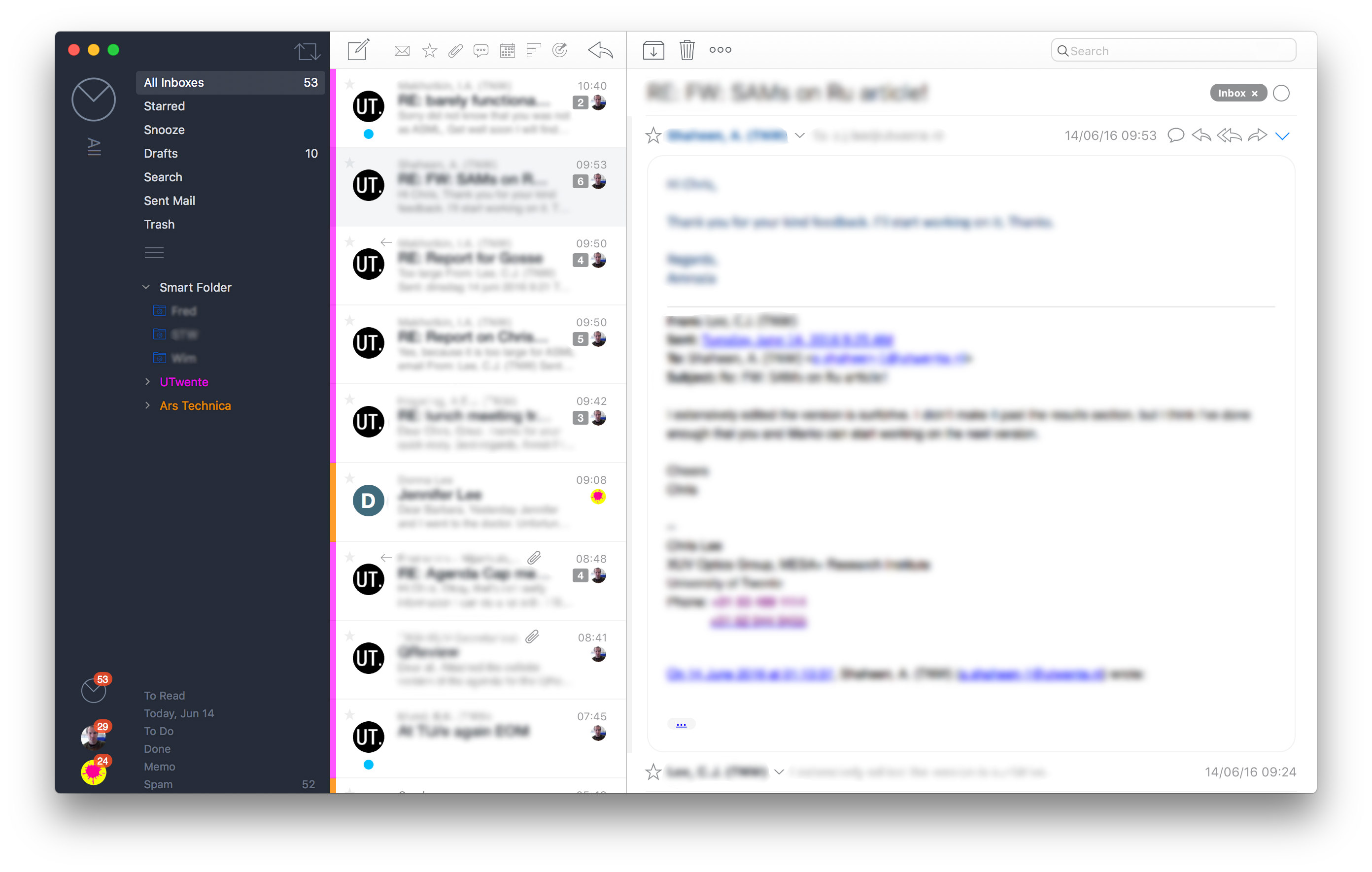
Airmail - A macOS and iOS Delight
Airmail is a sleek and feature-rich email client designed for macOS and iOS users, known for its modern and elegant user interface. With seamless integration with popular productivity apps like Todoist and Evernote, Airmail streamlines your workflow, allowing you to turn emails into tasks or notes effortlessly. This client supports a wide range of email services, including Gmail, Outlook, and iCloud, making it convenient for users with diverse email accounts. Airmail's powerful search capabilities and smart inbox filters ensure that you stay organized and find important messages quickly. Additionally, it offers customizable swipe actions, allowing users to personalize their email management experience.
Pros:
- Modern and visually appealing interface with smooth navigation.
- Extensive integration with third-party productivity apps.
- Intuitive and customizable swipe gestures for efficient email handling.
- Excellent support for multiple email services.
Cons:
- Exclusive to macOS and iOS, limiting access for users on other platforms.
- Can be relatively expensive compared to some other email clients.
- Some users have reported occasional sync issues with certain email providers.
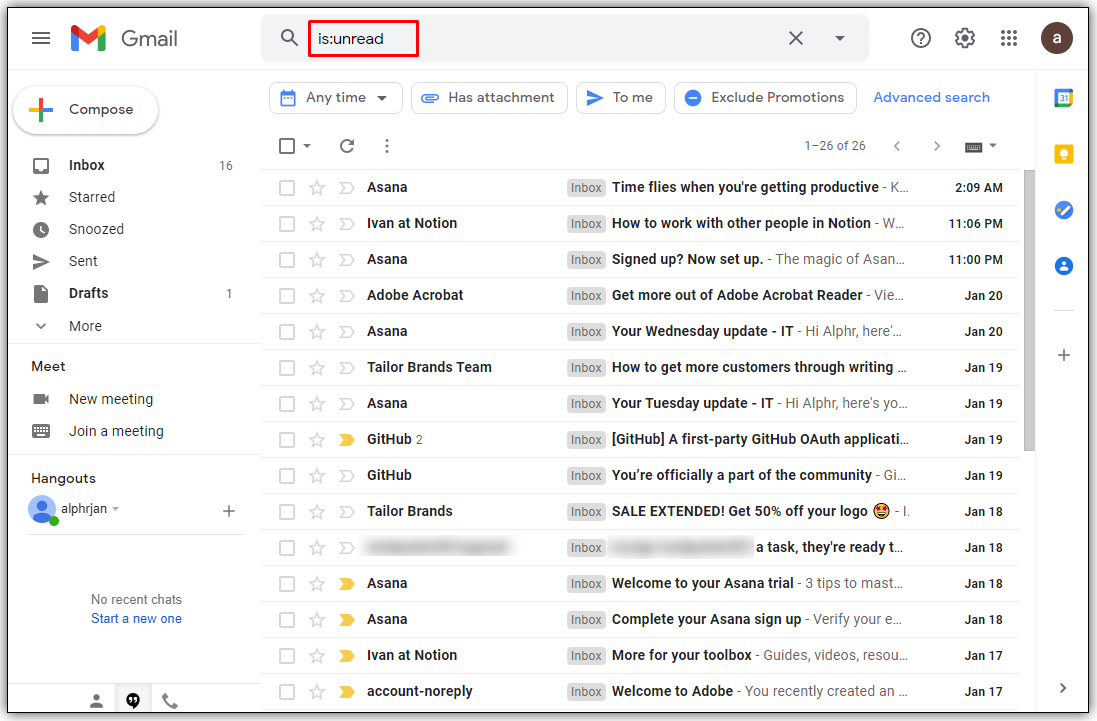
Gmail - Googles Web-Based Giant
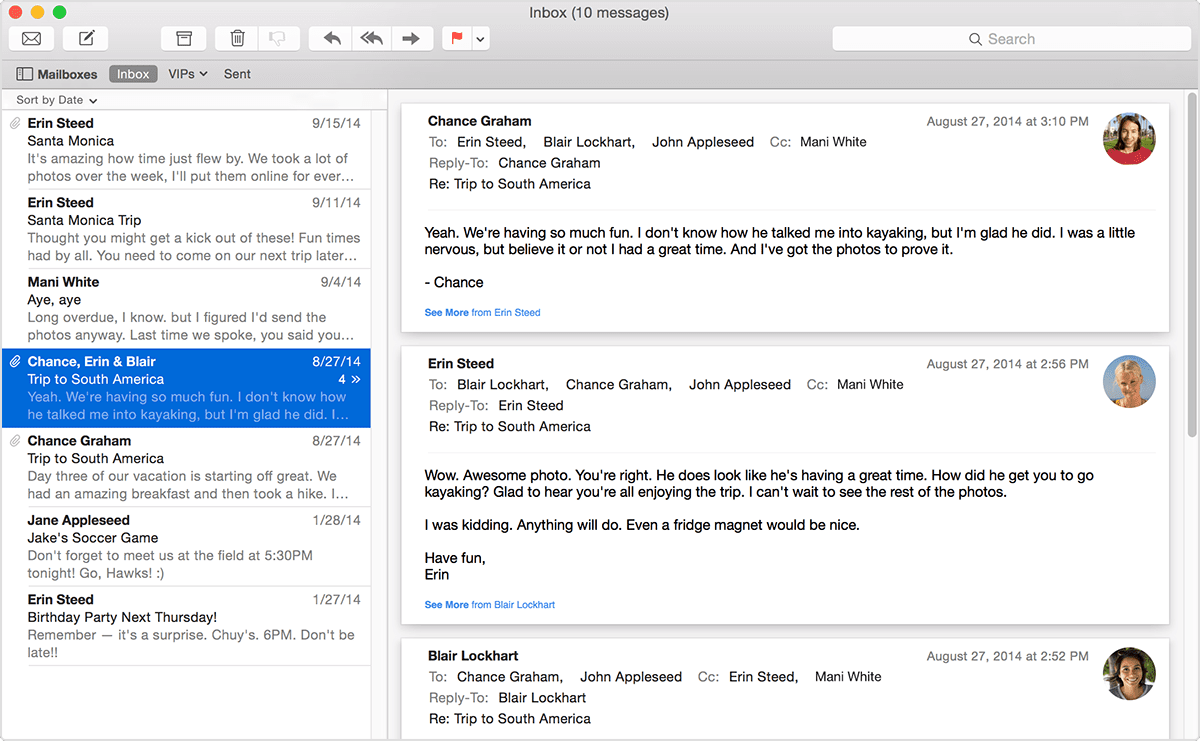
Apple Mail - Streamlined for Apple Users
Apple Mail, the default email client on macOS and iOS devices, offers a simple and streamlined email management experience for Apple users. It comes pre-installed on Apple devices, making it convenient for users to get started without additional installations. Apple Mail boasts seamless integration with other Apple services, such as iCloud and Calendar, ensuring a smooth workflow within the Apple ecosystem. With features like VIP contacts and mailbox organization, users can prioritize important emails and keep their inbox clutter-free. Additionally, the Mail Drop feature allows users to send large attachments through iCloud, making it easier to share files with others.
Pros:
- Pre-installed on macOS and iOS devices, no need for additional setup.
- Intuitive interface with smooth integration into the Apple ecosystem.
- Effortless sharing of large attachments using Mail Drop.
- VIP contacts and mailbox organization for efficient email sorting.
Cons:
- Exclusively available on Apple devices, limiting accessibility for non-Apple users.
- May lack some advanced features found in third-party email clients.
- Occasional syncing issues reported by users across different devices.
ProtonMail - Fort Knox for Email
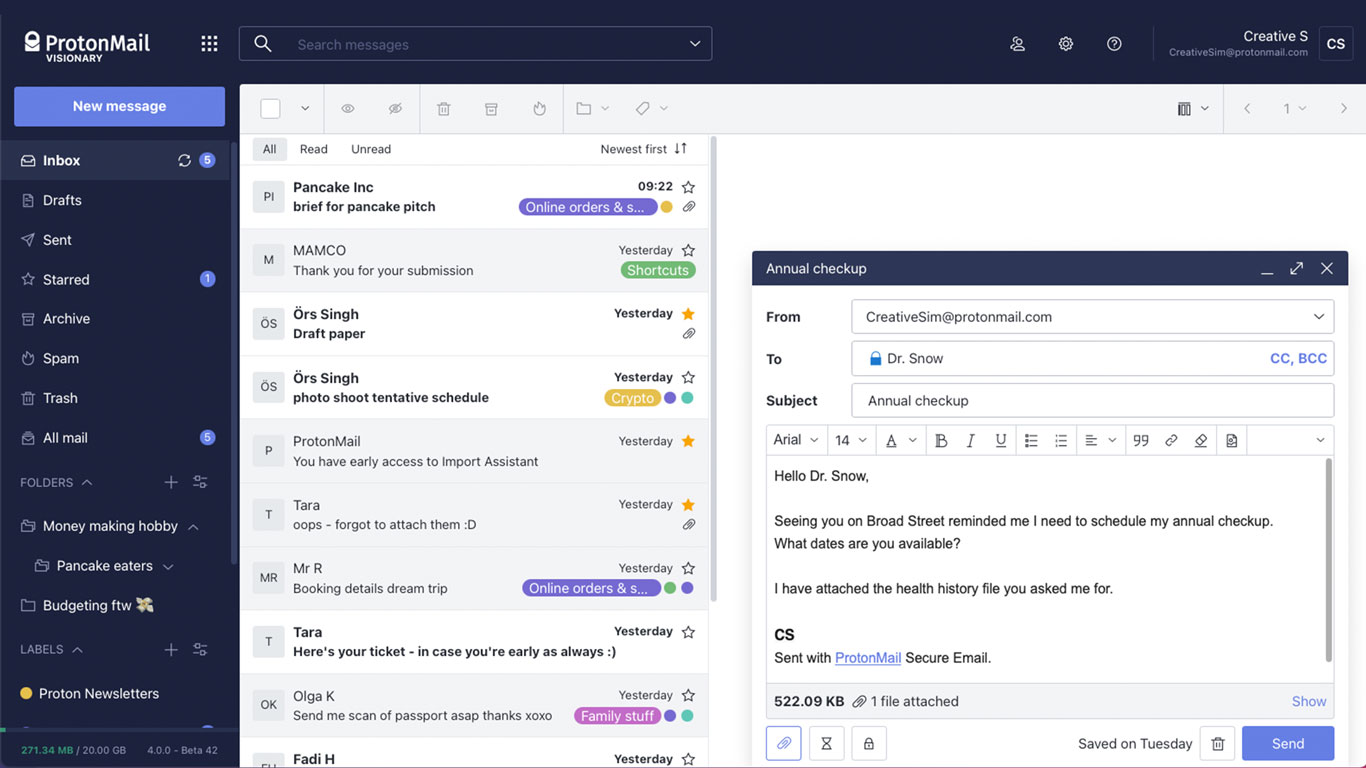
ProtonMail stands out as a top alternative to Microsoft Outlook for users who prioritize privacy and security above all else. As an encrypted email service, ProtonMail ensures that all your emails are end-to-end encrypted, protecting your sensitive information from unauthorized access. The client is web-based, and mobile apps are available for easy access on Android and iOS devices. ProtonMail's user-friendly interface allows for smooth navigation, and its zero-access encryption model means that even the service providers cannot access your encrypted emails. Additionally, ProtonMail adheres to strict privacy policies and is headquartered in Switzerland, known for its strong data protection laws.
Pros:
- End-to-end encryption for enhanced email privacy and security.
- Zero-access encryption model ensures data confidentiality.
- User-friendly interface and straightforward navigation.
- Committed to strong privacy policies and data protection.
Cons:
- Some advanced features available only for paid plans.
- May not have as many integrations with third-party apps compared to other clients.
- Web interface may not be as feature-rich as desktop email clients.
Zoho Mail - Business-Oriented Powerhouse
Mailbird - User-Friendly and Customizable
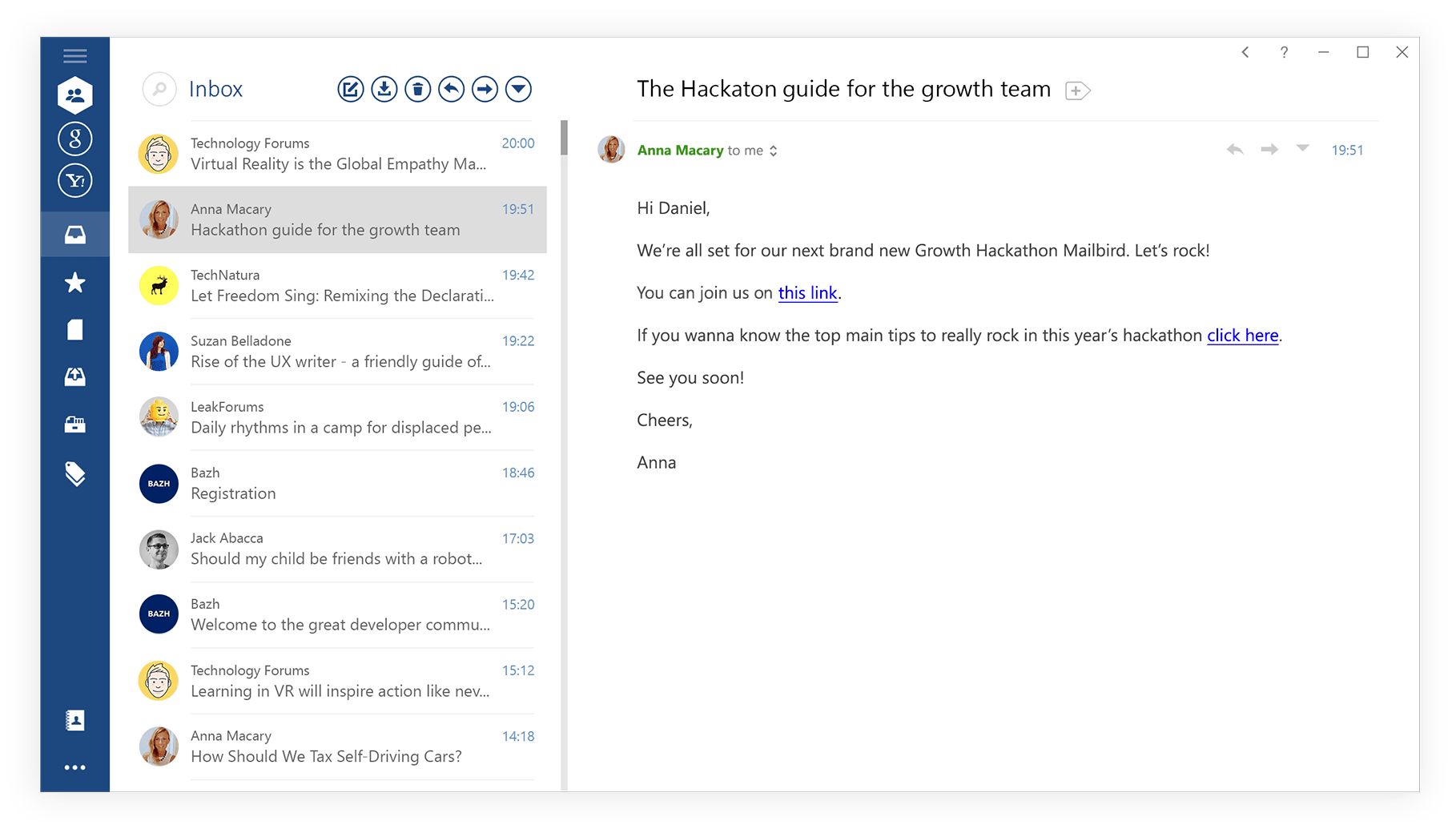
Mailbird is a popular email client known for its user-friendly interface and extensive customization options. It provides a unified inbox, allowing users to manage multiple email accounts from different providers in one place efficiently. Mailbird's unique App Integrations feature allows users to connect with various productivity apps, including Google Calendar, WhatsApp, and Slack, enhancing their productivity and streamlining their workflow. The client's speed and responsiveness make email management a breeze, while its built-in snooze and reminder features help users stay organized and on top of their tasks. With support for various keyboard shortcuts and touch gestures, Mailbird caters to both desktop and touchscreen users.
Pros:
- User-friendly interface with a unified inbox for managing multiple email accounts.
- App Integrations feature for seamless integration with popular productivity apps.
- Speed and responsiveness for efficient email management.
- Built-in snooze and reminder features to stay organized.
Cons:
- Free version may have some limitations compared to the Pro version.
- Customization options may be overwhelming for some users.
- Support and updates may vary for different operating systems.
Evolution - The Linux Powerhouse
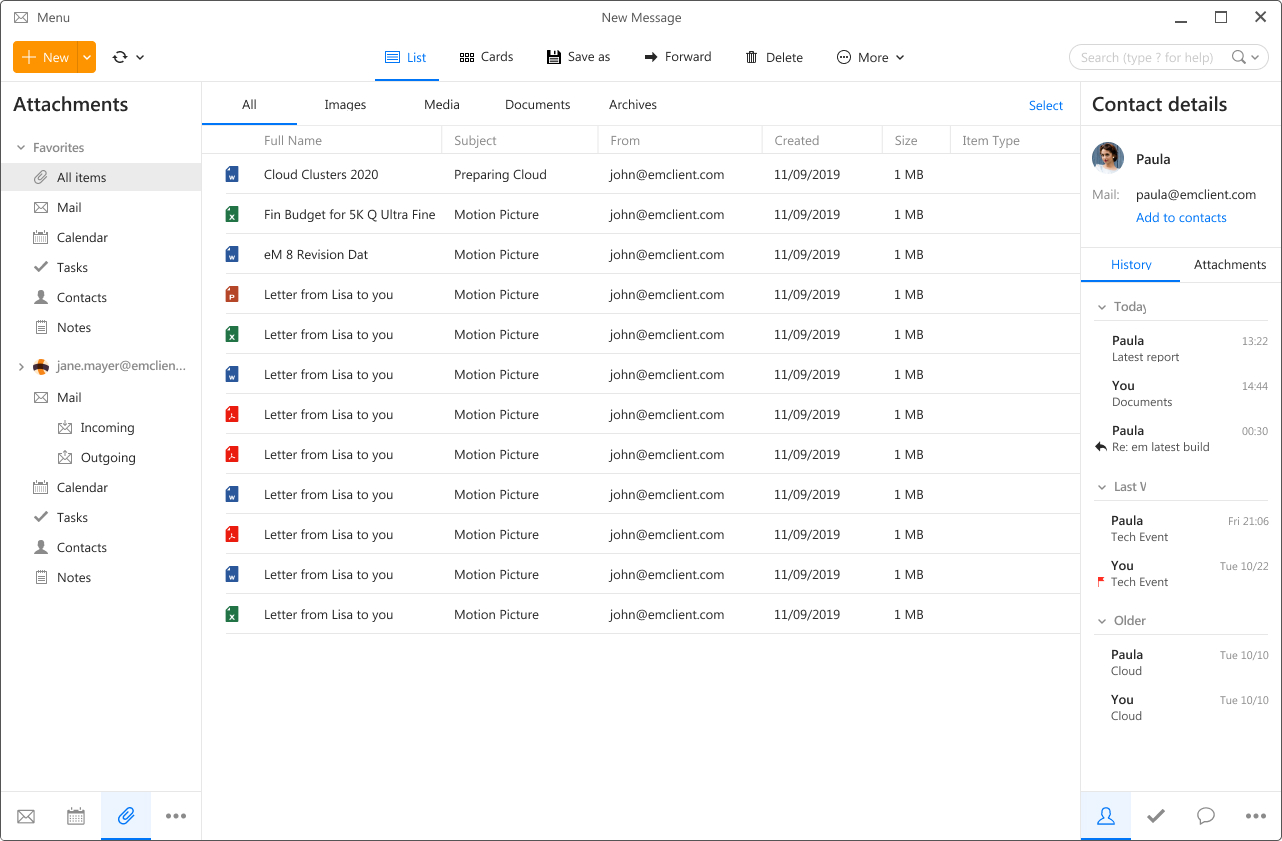
eM Client - Windows Harmony
eM Client is a versatile email client designed for Windows users, offering a balance between simplicity and productivity. With a clean and intuitive interface, eM Client allows users to manage multiple email accounts seamlessly. The client supports various email services, including Gmail, Exchange, and iCloud, making it a suitable choice for users with diverse email needs. eM Client's integrated calendar and task management features help users stay organized and on top of their schedules. Additionally, the client's Conversation View groups related emails together, providing a more organized and efficient email management experience. eM Client also offers PGP encryption for users concerned about email privacy.
Pros:
- User-friendly interface with support for multiple email services.
- Integrated calendar and task management features for enhanced productivity.
- Conversation View for organized email handling.
- PGP encryption for improved email privacy.
Cons:
- Free version limited to a certain number of email accounts.
- Some advanced features available only in the Pro version.
- Occasional performance issues reported by users with very large email databases.

Spike - Reimagining Email Communication
Spike is an innovative email client that reimagines traditional email communication. It transforms email threads into conversational chats, providing a messaging app-like experience for email interactions. Spike's conversational approach makes it easier for users to collaborate and communicate effectively. The client integrates with popular productivity tools like Todoist and Trello, allowing users to turn emails into actionable tasks. Spike also supports voice and video calls, reducing the need to switch between different communication platforms. With real-time collaboration features and smart sorting options, Spike aims to enhance teamwork and productivity.
Pros:
- Transforms email threads into conversational chats for a modern and efficient experience.
- Integrates with popular productivity tools for task management.
- Voice and video call support for seamless communication.
- Real-time collaboration features for enhanced teamwork.
Cons:
- May take time to adapt to the conversational email format for users accustomed to traditional email clients.
- Some users may prefer a more standard email interface for professional communication.
- Availability of certain features may vary based on the pricing plan.
The world of email clients presents a vast array of exceptional alternatives to Microsoft Outlook, each vying to cater to the diverse needs of users and businesses alike. Whether your quest is for a streamlined interface, seamless integration with third-party apps, or enhanced security features, these top 10 Outlook alternatives have unequivocally established themselves as robust contenders in the realm of email management.
From the remarkable flexibility of Thunderbird to the minimalist elegance embodied by Airmail, the collaborative prowess exemplified by Google Workspace, and the open-source charm radiated by Evolution, you will undoubtedly find an email client tailored to your unique preferences among this curated selection. These alternative email clients stand as testaments to the enduring spirit of innovation and user-centric design, perpetually propelling the evolution of email management.
Ultimately, the choice of the perfect email client hinges on your specific requirements, workflow, and personal inclinations. We trust that this list has equipped you with invaluable insights to make a well-informed decision and elevate your email experience to new heights. As you embrace the future of email communication, do so with confidence, knowing that the ever-expansive world of email clients holds a seamless match for your digital communication needs.
📋 Embed this ranking on your site
Think something's missing? Add it to the list.